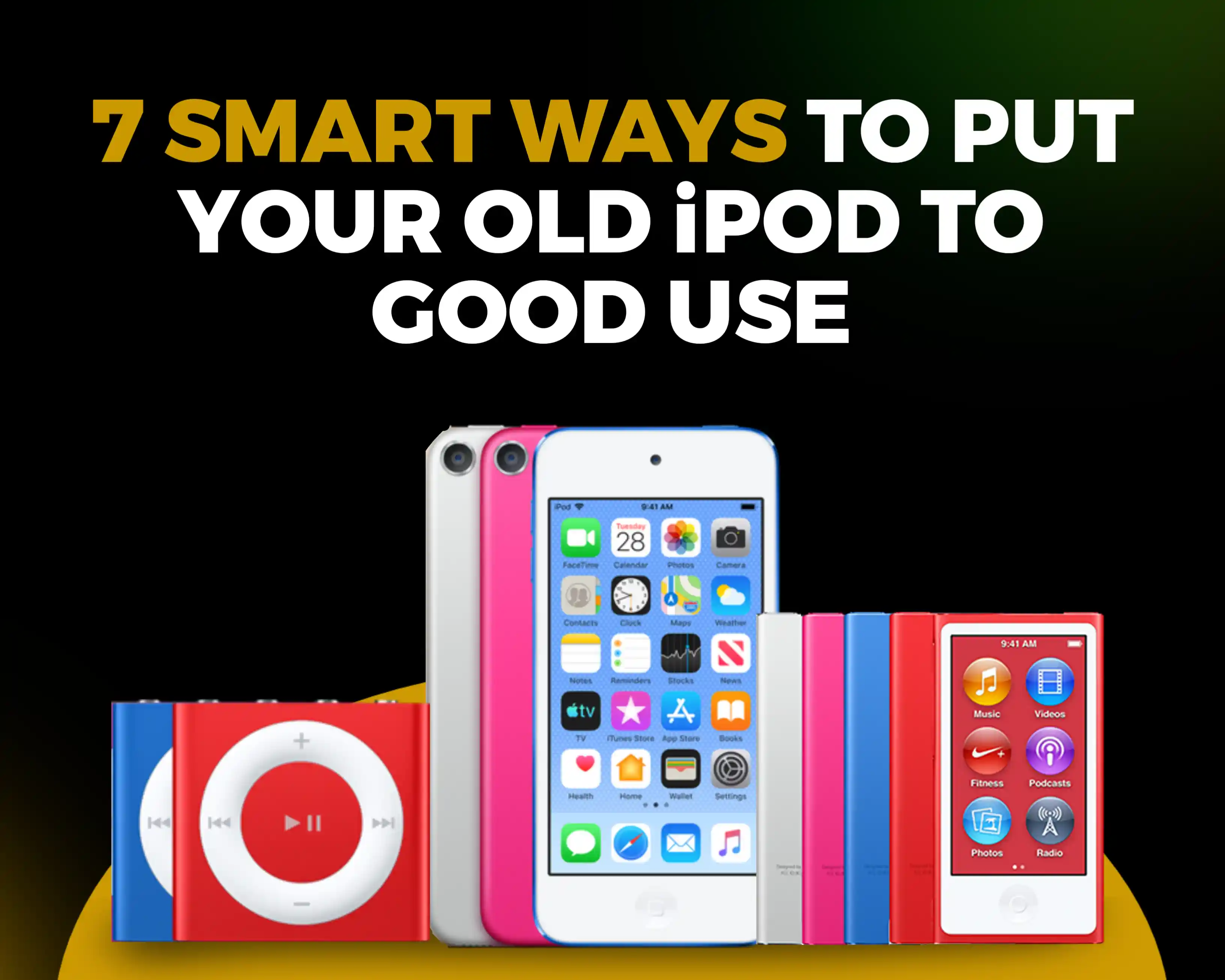
What Can You Do With Your Old iPod Today?
If you have an old iPod, there's something you should know. Even though the Apple iPod is a discontinued device, it still has value, and there are several ways you can put it to good use.
Depending on the model of your iPod, there are some clever ways to make use of it and including getting monetary value out of it. You could turn it into a distraction-free music player, use it as your car audio console, convert it into a handheld hard drive, or sell it for cash on a trusted site like TronicsPay.
Can You Still Use an Old iPod Today?
Yes, you can! Even though the Apple iPod is a discontinued device, it isn't useless. However, how you can use it will depend on your iPod's version. Nonetheless, you still have several ways to make use of your old iPod and get some value out of it.
6 Things You Can Do With Your Old iPod Today
1. Use It as a Dedicated Music Player
Playing music is what the iPod was built to do, so this is the most natural use for it. If you want to listen without reaching for your phone, your old iPod can still do that job well.
Apple iPods play songs stored directly on the device. That means no notifications, no messages and no temptation to pick up your phone every few minutes. It’s all music, with nothing else competing for your attention.
This is especially useful if you are studying, working out, or even working and want to enjoy your music without getting distracted by your phone.
2. Turn It Into a Car Music Player
Here’s another fun way to use your old iPod. Many iPod models can connect to a car’s audio system. The only difference is how you go about connecting them.
The first option is through a 3.5mm headphone jack or auxiliary connection. If you choose this method, you simply need an aux-to-aux cable or a compatible FM transmitter adapter, and you are all set.
Another option is through a 30-pin or Lightning connection. This is more likely to be your choice if your car was made between the mid-2000s and the mid-2010s, when many manufacturers added built-in iPod integration. With a compatible cable, you can plug in an iPod Classic, Mini, or an early Nano or Touch (all 30-pin models), or a later Touch or the 7th generation Nano (Lightning). You can then use the steering wheel buttons and dashboard screen to control the music stored on your iPod.
Lastly, you can use Bluetooth to connect your iPod to your car. This is possible with compatible generations of the iPod Touch and the final generation of the iPod Nano. It also works well with modern cars that have Bluetooth built into their stereo systems.
3. Listen to Audiobooks and Podcasts
Your old iPod is also a great way to enjoy podcasts and audiobooks without the distractions that come with using your phone.
This works because iPods support locally stored media. You can transfer compatible audio files of your favourite podcasts and audiobooks to your iPod and listen to them whenever you want.
If you own an iPod Touch, all you need is a Wi-Fi connection to download podcasts straight onto the device. Older models need a computer to transfer your podcasts and audiobooks.
The process differs depending on the type of computer you use, but here’s how to get it done on either a Windows PC or a Mac.
If you're using a Windows computer:
1. Download iTunes: Download and install the iTunes software on your PC.
2. Open and connect your iPod: Launch iTunes on your PC and connect your iPod using its USB cable.
3. Open device settings: A small iPod device icon will appear near the top-left corner of the iTunes window, just below the menu bar. Click on it.
4. Set up audiobooks: In the left sidebar, under the "Settings" subheading, click on Audiobooks.
5. Check the box at the top for "Sync Audiobooks".
6. Choose either "All audiobooks" or manually check the boxes next to the authors or books you want to load.
7. Set up podcasts: Click on Podcasts in the left sidebar and check the box for "Sync Podcasts".
8. Apply and sync: Click the Apply button at the bottom right. A status bar at the top of iTunes will show the progress. Do not unplug the cable until the screen says "iPod update is complete".
If you’re using a Mac:
On macOS Catalina or later, iTunes has been replaced by Finder, so the steps are slightly different.
- Connect your iPod: Plug your iPod into your Mac using its USB cable. If a prompt asks whether you trust this computer, click Trust.
- Open Finder: Look for your iPod under “Locations” in the left sidebar and click on it.
- Set up audiobooks: In the bar near the top of the window, click Audiobooks.
- Check the box for “Sync audiobooks onto [your iPod’s name]”.
- Choose either “All audiobooks” or manually check the boxes next to the authors or books you want to load.
- Set up podcasts: Click Podcasts in the same bar and check the box for “Sync podcasts onto [your iPod’s name]”.
- Apply and sync: Click the Apply button at the bottom right (or Sync, depending on your macOS version). A progress bar at the top of the window will show the status.
- Eject safely: Wait for the sync to finish, then click the eject button next to your iPod in the sidebar before unplugging the cable.
If your Mac runs macOS Mojave or earlier, it still uses iTunes, so you can follow the same iTunes steps listed for Windows above.
4. Use It as a Travel Companion
This one is closely related to what we’ve covered, but with a slight twist. Unlike phones that rely on streaming services, an iPod plays locally stored media, which makes it an excellent travel companion.
On a flight, you may not have access to a cellular connection or the internet, so your usual streaming services may be out of reach while you’re in transit. The same goes for long road trips and train rides, where signal can drop in and out for hours at a time.
That’s where your iPod comes in handy. Instead of relying entirely on the entertainment provided onboard or on a patchy connection, you can plug in your headphones and enjoy the music or audiobooks already stored on your device. It also saves your phone’s battery for maps, boarding passes and calls.
5. Store and Revisit Old Photos
In some ways, your iPod can also work as portable photo storage. Depending on the model, you can use it as a portable hard drive to carry documents, presentations and photos. Almost all click-wheel iPods support this, so even a modest capacity can hold a good amount of everyday files.
How to Use Your iPod as a USB Storage Device
To turn your iPod into an external drive, enable disk use:
- Connect your iPod to your computer using its sync cable.
- Open Finder (Mac), iTunes, or the Apple Devices app (Windows).
- Select your iPod from the sidebar.
- Under the General or Summary tab, check the box that says “Enable disk use”.
- Click Apply.
With that done, your iPod should behave like a regular USB storage device and appear as an external drive on your PC.
You can then drag and drop files straight onto it. However, if you also want to listen to music, you still need to sync your music through iTunes, Finder, or the Music app so the iPod can build its internal database.
If you would rather skip Apple’s software entirely and drag audio files into regular folders, as you would with a flash drive, you can look into Rockbox, an open-source alternative firmware for compatible iPods. It involves more tinkering, so only go this route if you are comfortable with doing that.
6. Sell Your iPod for Cash
If you have no plans to use your old iPod, selling it is another way to get value out of it. Even though iPods are discontinued, a working device can still fetch some cash, especially if it is in good condition.
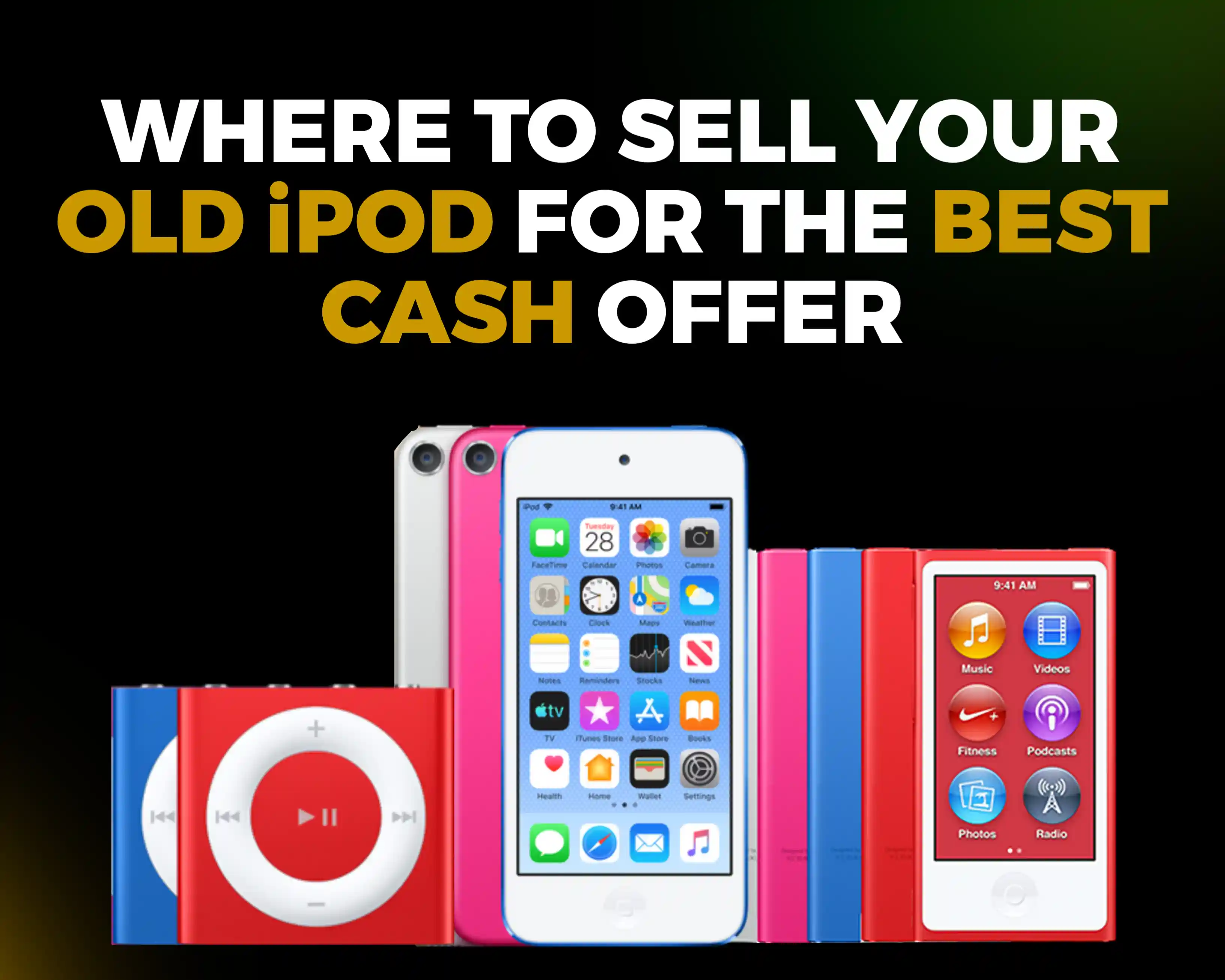
Your best option is a trusted buyback company like TronicsPay. You get an instant quote online, ship your iPod with a free label, and get paid once you accept the final offer, all without waiting weeks for the right buyer.
Is Your Old iPod Worth Anything?
The simple answer is yes! Apple iPods still hold some value even today. However, how much you can get for your iPod depends on several factors including:
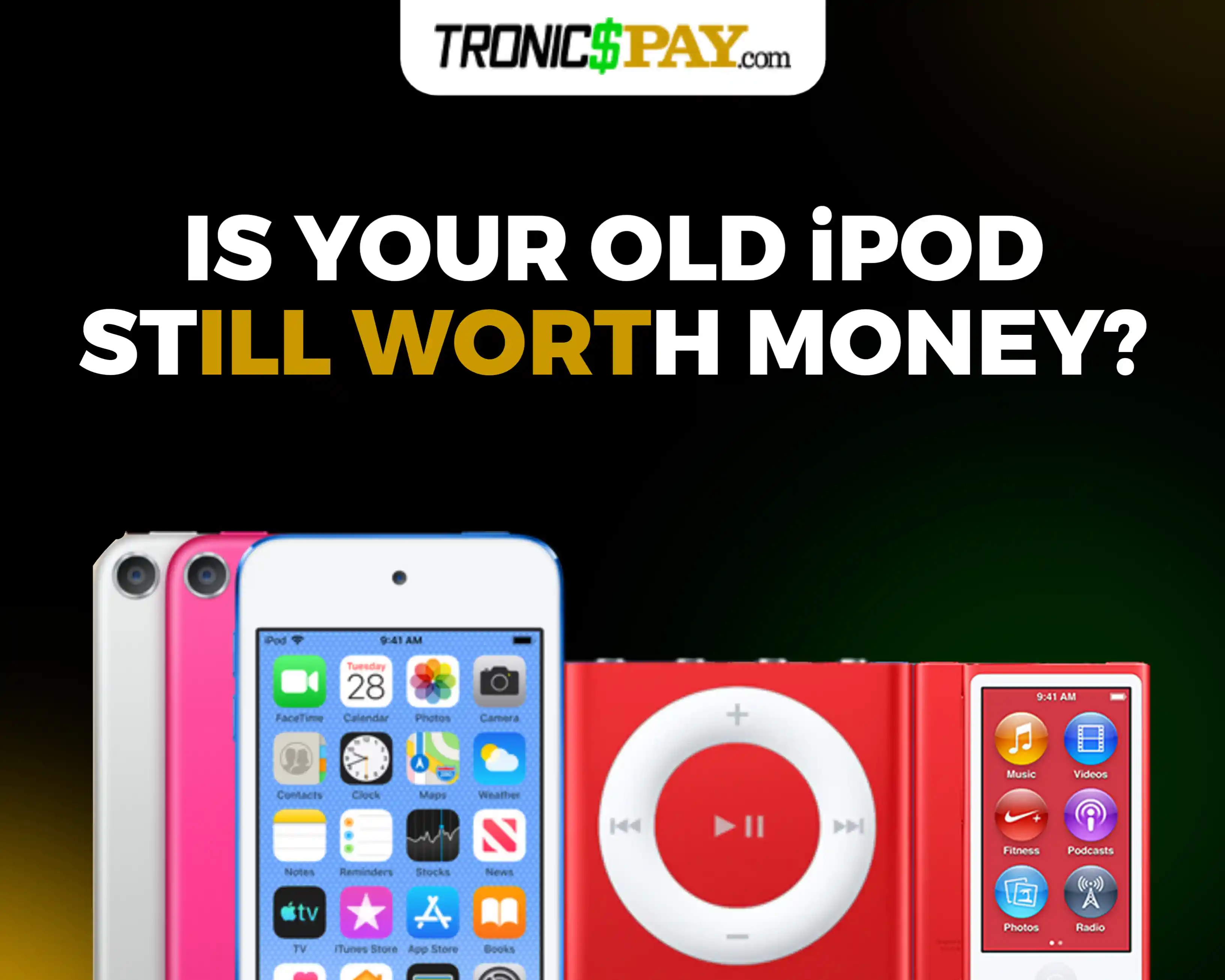
- Model: Newer iPod models generally fetch better prices than older ones.
- Generation: First-generation devices may fetch lower prices than newer generations.
- Storage capacity: Generally, the higher the storage capacity, the higher the potential resale value.
- Condition: An iPod in pristine condition will typically hold more value than one that is damaged or in poor condition.
Final Thoughts
An old iPod doesn’t have to sit in a drawer collecting dust. Whether you want a distraction-free music player, a car audio companion, a travel buddy or a pocket-sized drive for your files, there’s a good chance your iPod can still earn its place in your day.
If you no longer have a use for it, selling is the easiest way to get value out of it. Check which iPod models are currently accepted, get an instant quote from TronicsPay, and turn your old device into cash without the weeks of waiting that come with selling privately.
Frequently Asked Questions on uses for old iPods
Are old iPods still useful?
Yes! Apple iPods are still useful today. There are several ways to make use of your old iPod, even now. You can use it as a dedicated music player, a car audio device, a travel companion, or even portable storage, depending on the model.
Can you still put music on an old iPod?
Yes, you can! However, how you do it depends on the type of iPod you own. An iPod Touch, for instance, can download compatible music through Wi-Fi, while older models generally require you to use a computer to transfer music.
Are old iPods worth money?
Yes, old iPods can still be worth money. However, how much you can get for yours depends on several factors, including the model, generation, storage capacity, and condition. The demand for your particular iPod also plays a role.
Where can I sell my old iPod?
Where you sell your old iPod depends largely on what matters most to you. However, if you want a balance of speed, convenience, reliability, and a good offer, you should consider selling your Apple iPod through TronicsPay.